Activate a Passive Sensor
Before you begin, review the Passive Sensor Plugin Requirements and Considerations.
To activate a Passive Sensor:
- In the Forescout Console, select .
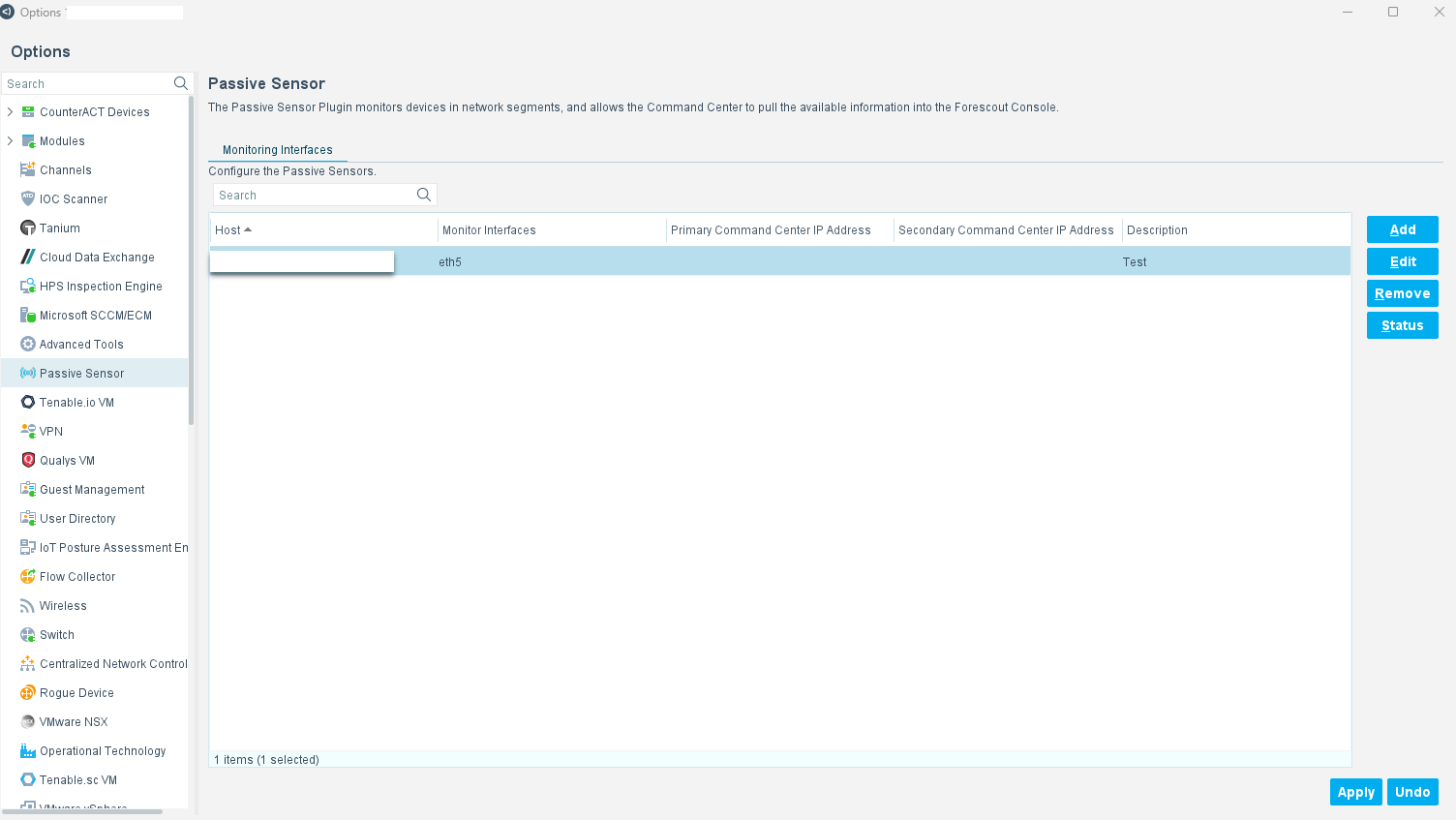
- Select Add. The Add Sensor wizard General tab appears.
- Specify the following information:
HostThe Appliance that hosts the Passive Sensor.
- It is not recommended to activate a Passive Sensor on the Forescout device (focal Appliance) that communicates with Command Center.
DescriptionA text label that identifies the Passive Sensor. - Select Next. From the interfaces available on the Appliance, select the interfaces that the Passive Sensor uses to monitor Operational Technology devices. Typically, this is a NIC connected to a SPAN or TAP port.
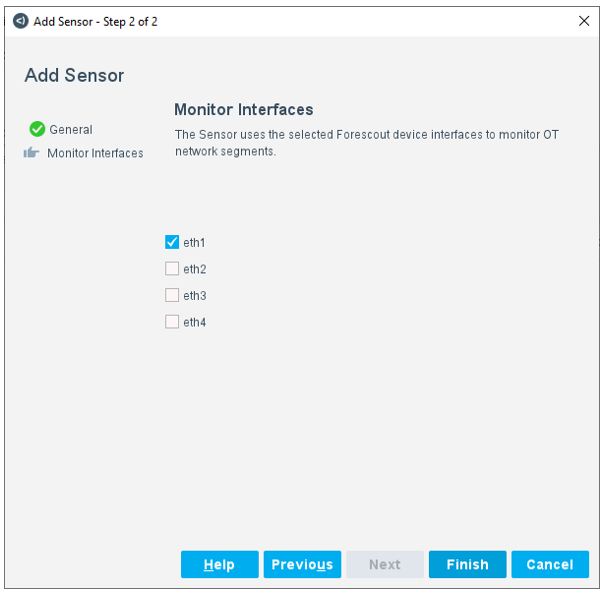
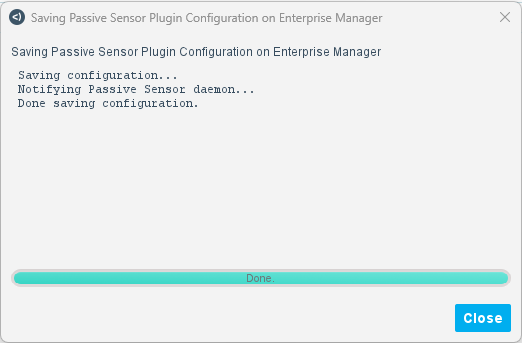
- Select Finish. The Configuration is saved and an on-screen
confirmation is shown. The Passive Sensor appears in the Monitoring
Interfaces table.
 minute read