Manually Add a VLAN
Add a VLAN to monitor a specific path of traffic. You may need to do this, for example, if there is currently no traffic running on the VLAN.
If this is the case, search for possible reasons, for example, the interface is not connected, a switch is not correctly configured, or the ports are down.
To add a VLAN:
- Select .
- From the Select Appliance drop-down menu, select the Appliance to which you need to add a VLAN. The Appliance channel list is displayed in the Channels pane.
- From the VLAN drop-down menu, select Add.
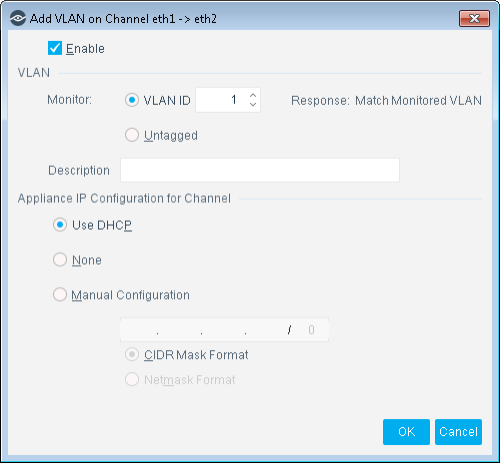
- Configure the VLAN settings and select OK.
 minute read