Add endpoint properties to a list
You can select an endpoint and add the properties detected on it to a property List. For example, a list of services or MAC addresses.
Use Lists to create powerful policies. For example, add a prohibited service to a service blacklist and then create a policy that uses the list to detect the service at endpoints.
To add endpoint properties:
- Right-click an endpoint in the Detections pane, and then select Add to List.
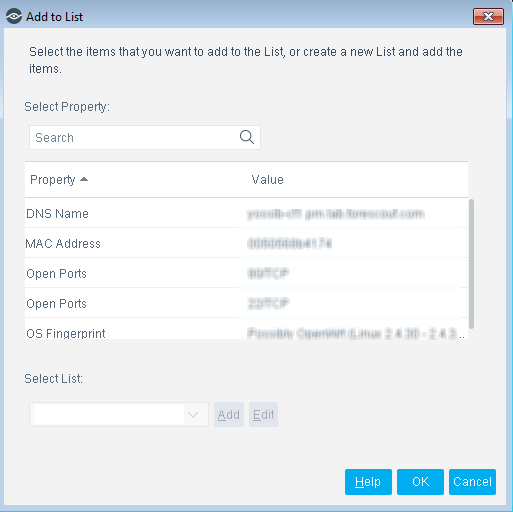
- Select the properties that you want to add to the list.
- Select a list in which to add the properties or create a new list.
- Select OK.
 minute read