Create lists based on inventory detections
Create lists based on Inventory detections - for example, if you see that eyeSight detected extensive authorized and unauthorized open ports, select the authorized ports and add them to an Authorized Open Ports list and then select the unauthorized ports and add them to an Unauthorized Open Ports list. You can create new lists or add the property values to an already existing list.
To create lists based on inventory detections:
- Select an Asset Inventory category in the Views pane, for example, Open Ports.
- Right-click one or more endpoints in the Detections pane, and then select Add to List.
- Specify the following information for the list.
Select PropertyThe list indexes selected values of this property.Select ListThe name of the list.To append the property values of the selected endpoints to an existing list, select it from the drop-down.Select Add to define a new list.To modify an existing list, select it, then select Edit.
- Select OK.
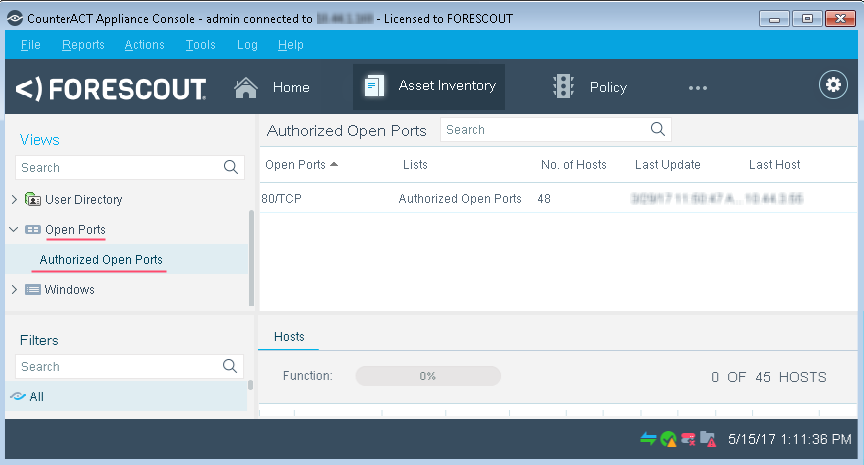
The list is displayed in the Views pane when you select the parent Asset Inventory item.
 minute read