HTTP login attempts
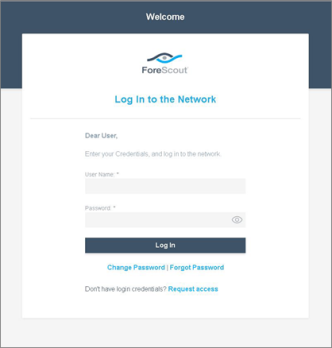
Define a failed login limit for endpoint users attempting to log in via the HTTP Login page. This page is triggered via the HTTP Login action.
You can define the number of failed login attempts that occurs within a specific time frame. Users who exceed this limit can be detected using the HTTP Login Failure property. In addition, you can follow up with users who exceeded the limit by creating useful policy actions, for example, notifying the IT team or preventing user access to the production network.
- Select .
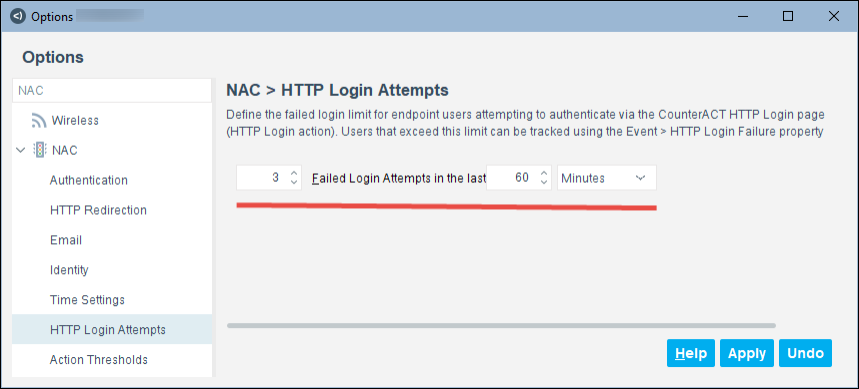
- Set the number of failed login attempts and the time within which failed login attempts must occur in order for a login failure attempt to be detected.
- Select Apply.
 minute read