Modify lists based on endpoint detections
The Home view, Details pane provides information about endpoint properties detected by Forescout products. You can navigate to these properties and automatically assign them to lists or add them to new lists.
To create a list from endpoint detections:
- Select an endpoint from the Home view, Detections pane.
- In the Details pane, select the Profile tab.
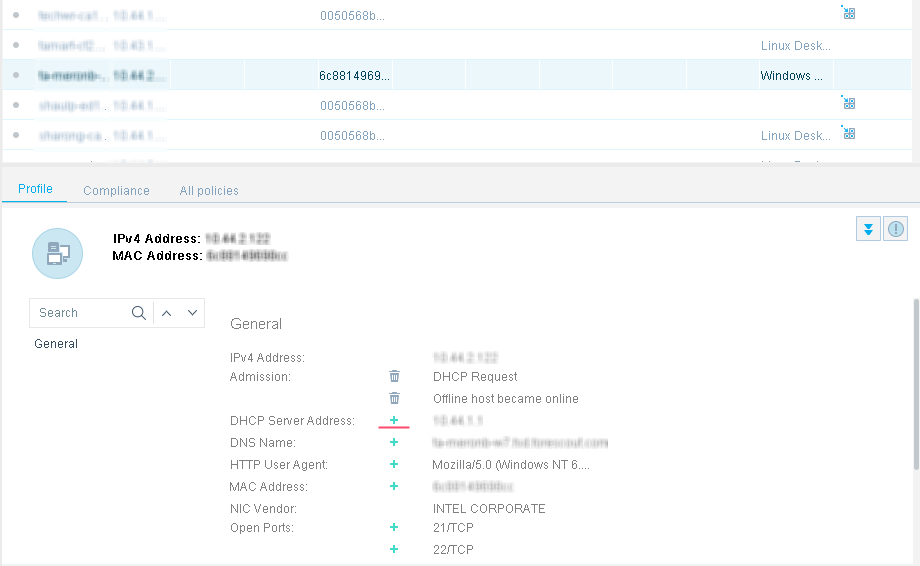
- Select
 next to the properties shown in the Details pane, Info tab.
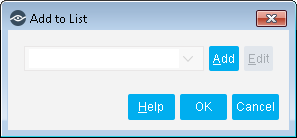
- Select a list from the drop-down menu, or select Add to add the property to a new list.
- Select O.
 minute read