Log In to iDRAC
To log in to iDRAC:
- Browse to the IP Address or domain name configured in .
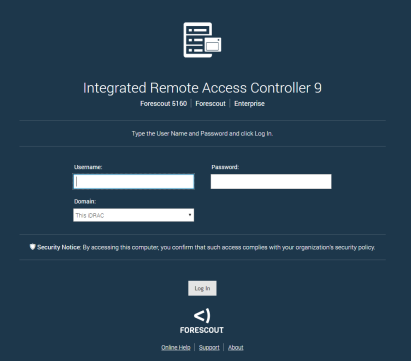
- Enter the Username and Password configured in the User Configuration page of the iDRAC system setup.
- Select Submit. You can refer to the iDRAC 9 User's Guide for more information.
Note: It is very important to update the default root password, if you have not done so already.
 minute read