Set Polling Interval for Retrieving Host Information from the Command Center
This option is provided to prevent focal Appliance overload when the associated Command Center reports back with numerous endpoints.
Set the interval at which the Operational Technology Module polls the Command Center for all associated endpoints.
The recommended polling interval is one minute per 10,000 endpoints. For example, for 100k endpoints, set the polling interval to 10 minutes. The default value is 5 minutes.
To set the polling interval:
- In the Console, select , and then select the General Settings tab.
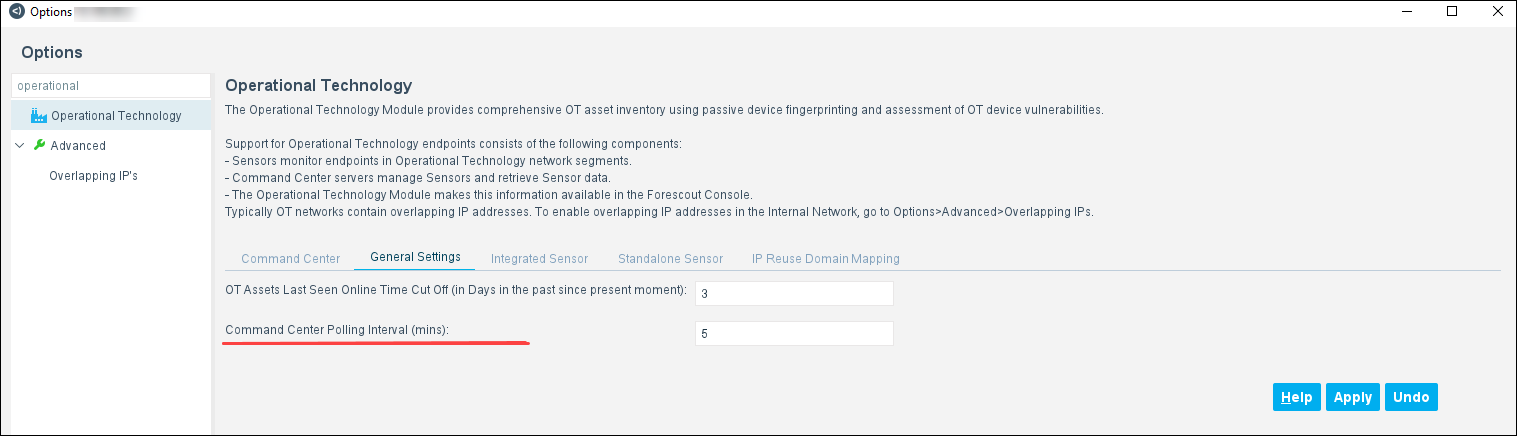
- In the Polling Interval for Command Center (mins) field, accept or change the default value of five minutes.
- Select Apply.
 minute read