Updated on August 24, 2026
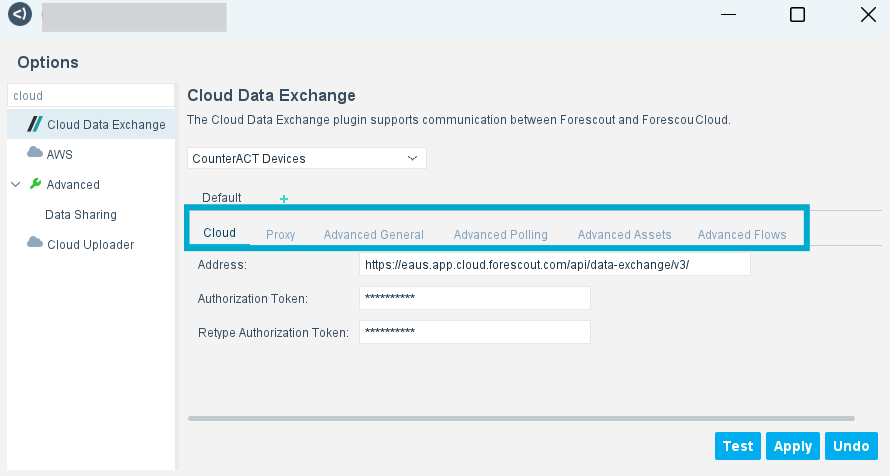
After the Cloud Data Exchange plugin is installed, you need to configure a connection to Forescout Cloud.
On this page
minute read
 minute read