Add ServiceNow integration to Forescout Cloud
- In the Administration menu, select Integrations.
- Click the Add Application button.
- In the Category dropdown, select Case Management.
- In the Application dropdown, select
ServiceNow.
The Configurations pane opens.
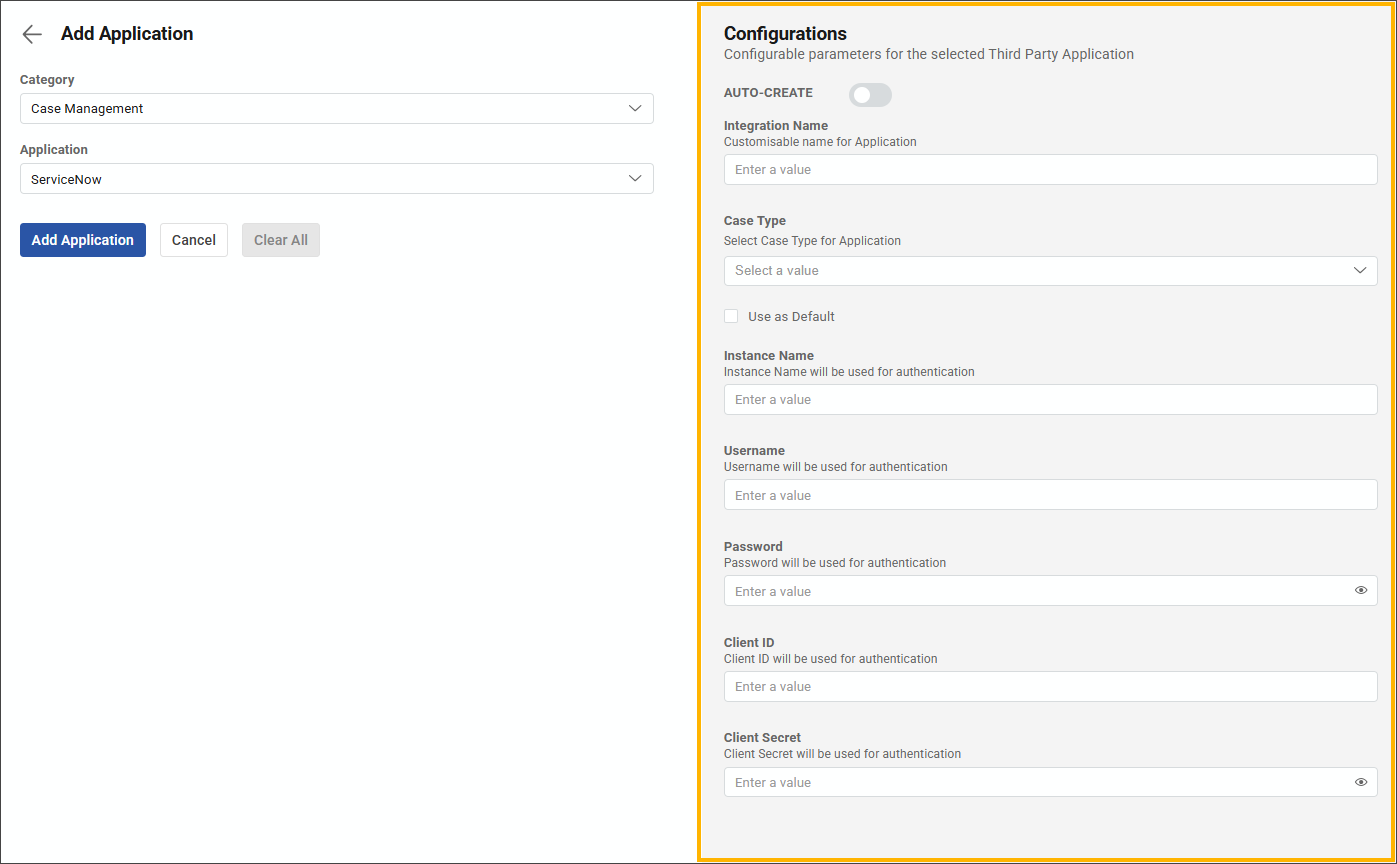
- If you want to automatically generate a standard ServiceNow security incident case for all threat detections, set the AUTO-CREATE toggle to On. If you set the toggle to On with a ServiceNow security incident response (SIR) integration, Forescout Cloud will only create an SIR case when the Forescout case status changes to Escalate to Customer.
- In the Integration Name field, enter a unique name for the integration.
- In the Case Type dropdown, select a case type for the integration.
- Fill out the remaining fields with your credentials and click the Connect button.
 minute read