Configuring required environment variables and starting the new application service
Certain variables must be configured before restarting the App Service. The following procedure provides high-level guidance:
- Create a JSON file and fill in the following
values:
[ { "name": "COMMAND_URL", "value": "https://app.command.cysiv.com/ ", "slotSetting": false }, { "name": "QUERY_SERVICE_AUTHORIZATION", "value": "", "slotSetting": false }, { "name": "SHARED_KEY", "value": "”, "slotSetting": false }, { "name": "WORKSPACE_ID", "value": "", "slotSetting": false }, { "name": "BASE_PATH", "value": "/home/site/wwwroot/", "slotSetting": false }] - In the JSON, fill in the values for the following keys. QUERY_SERVICE_AUTHORIZATION (Authorization key to Command’s query service) SHARED_KEY (Sentinel Shared key).
- Navigate to Configurations > Application Settings.
- Click Advanced Edit and remove all content.
- Paste in the contents of the JSON file you created in step 1.
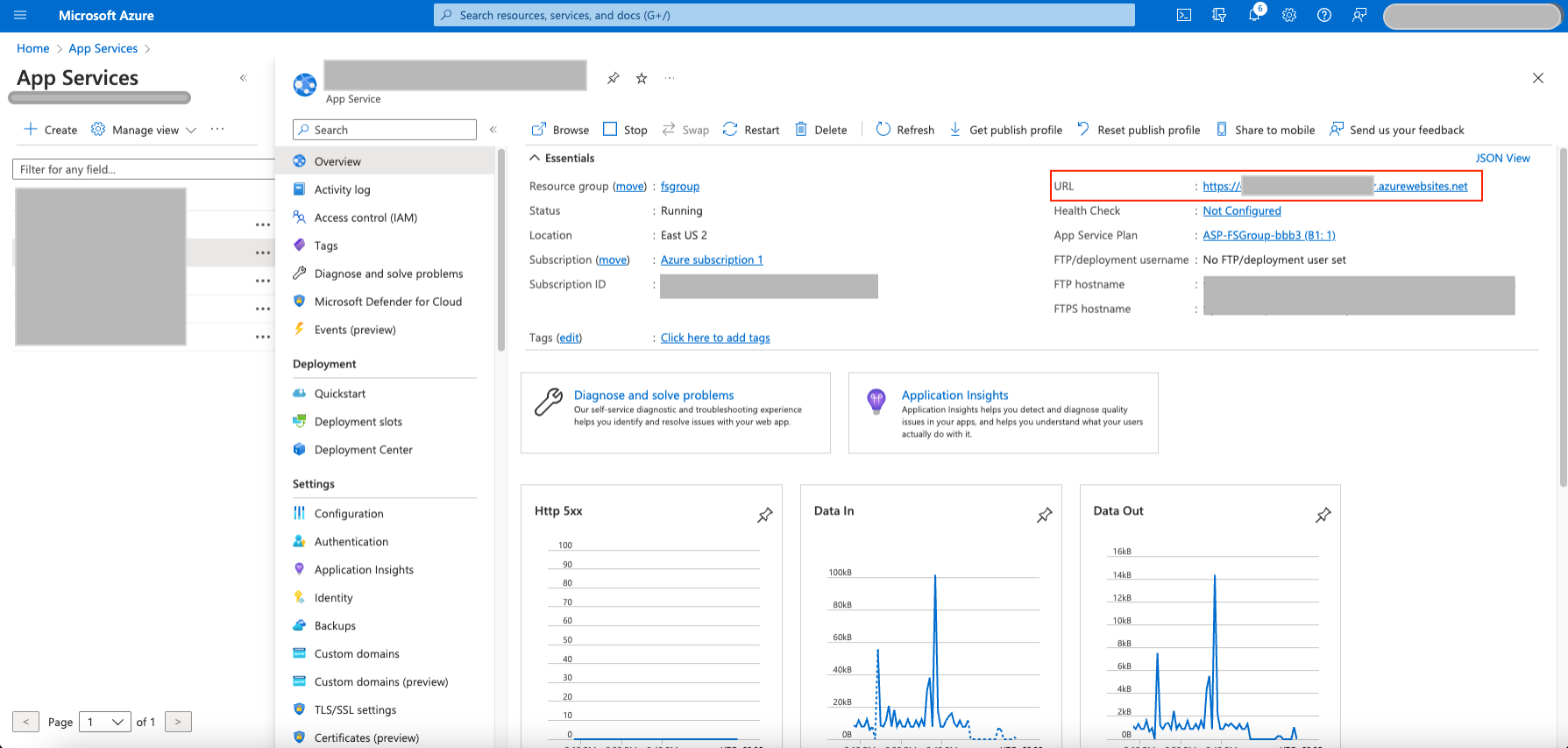
- Start the App Service and click on the URL from
the Overview pane.
 minute read