Add an Integration to the Integration Hub
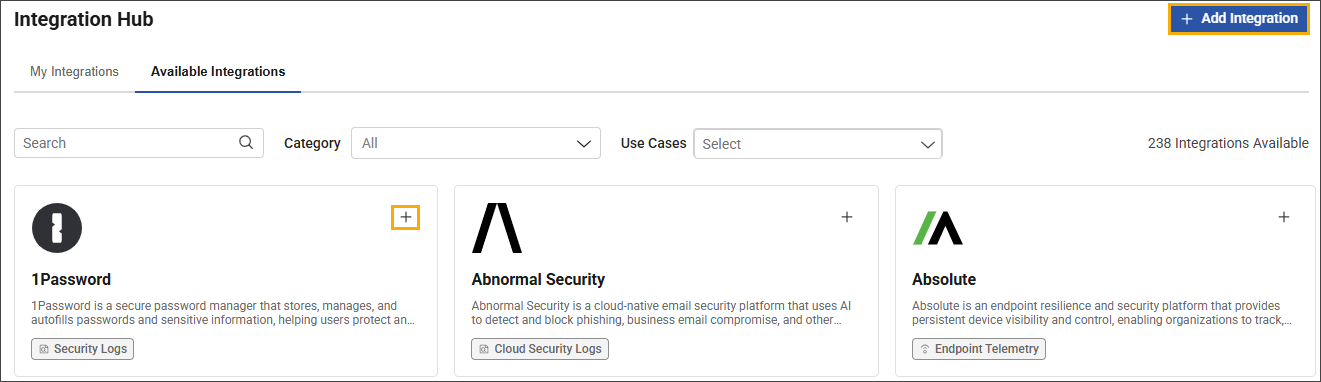
There are two ways to start installing an integration in the Integration Hub:
-
Click the + Add Integration button at the top of the hub.
-
In the Available Integrations tab, navigate to the applicable integration card, and then click the + control in the card.
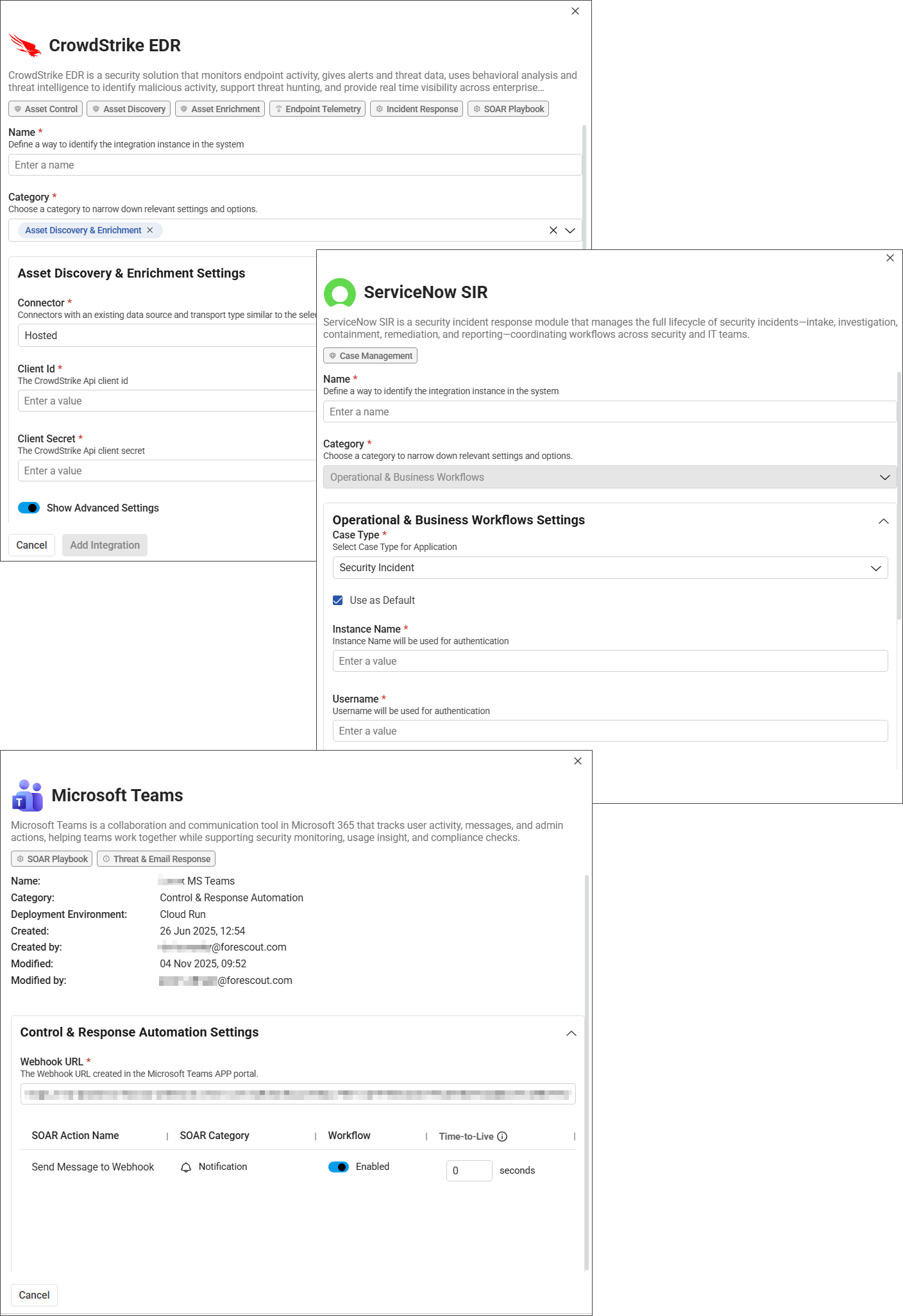
The fields available to configure during setup are determined by the category of the integration. The configuration workflows and required parameters remain unchanged. For details, see the Integration documentation.
Some data sources are not offered as standalone vendor products and are instead used solely as data sources. These data sources are grouped under the Custom Logs product.
If you select both the Asset Discovery & Enrichment and Security & Infrastructure Event Ingestion categories during configuration, parameter values are automatically copied from the primary category to the secondary category. This behavior only applies to these two categories and doesn't occur for any other category combinations.
 minute read