Obtaining a Jira API token from your Atlassian account
- Log in to https://id.atlassian.com/manage/api-tokens.
- Click Create API token.
- From the dialog that appears, enter a memorable and concise Label for your token, and then click Create.
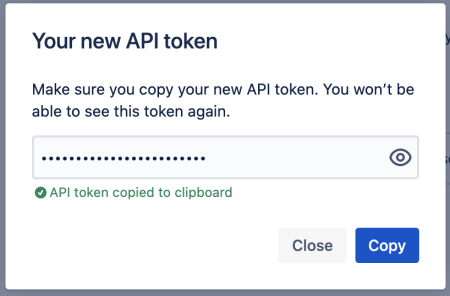
- Click Copy and
store the token in a secure place. You will not be able to retrieve it once the
following window is closed:
 minute read