Resolving Risk Mitigation Cases
Clicking Resolve on the Workbench Case Details page opens the Resolve Case window.
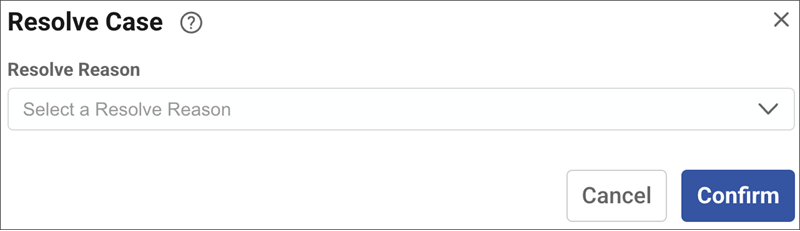
Here you can resolve the Case with an explanation that provides context. The resolved Case record is stored for future lookup and analysis.
If you have also purchased , when resolving a Security Incident you must specify the Impact, Category, Cyber Kill Chain and Entity fields if the Analysis field contains content. Otherwise the case cannot be set to resolve.
- Resolve Reason: Specifies the understanding with which the
case was resolved, as follows:
- Fixed: Specifies that a Change Request has been satisfied.
- Cancelled: Specifies that the Change Request has been cancelled.