First time access: Local authentication using Okta
Here users of can learn about the steps required to log in for the first time using local authentication with an Okta identity.
Activation Email Prerequisite: Once your Forescout customer operations representative creates your Forescout Cloud account using the corporate email address you have provided, you will receive an account activation email.
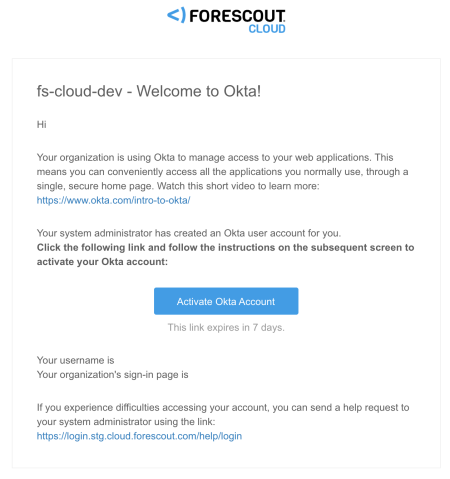
- Click Activate Okta Account.
- Specify your account password.
- Depending on how your tenant is hosted by Forescout, open one of the following
initial login links with you web browser:
- Google Cloud Platform: http://app.command.cysiv.com/login-okta
- Microsoft Azure Platform: app.cloud.forescout.com/login-okta
- Enter your account email address, and click Next.
- Enter your password and click Verify.
The system will log you in to the Forescout Cloud Console.
Once you complete the task to achieve initial access to the platform, Forescout recommends that you configure an IdP for SSO authentication. See Accessing Forescout Cloud for the first time for various options to configure SSO through IdP integration.
 minute read