Custom dashboards
Clicking the Dashboards menu and selecting Custom Dashboards from the dropdown allows you to create your own dashboards to display visualization data from any of the following dashboards:
- Risk
- Devices
- Compliance and Posture
- Exposure Management
- PQC Exposure Assessment
- Medical Device Utilization
- Health Monitoring
For metrics related to SWITCH, RADIUS and CDE plugins, use the Custom Dashboards feature and select from the Health Monitoring drop down. For more information, see How to create a custom dashboard.
When dashboards have been created and saved, they will appear in a list on the screen showing the title of the saved dashboard and the nature of its widget design and format, as shown below.
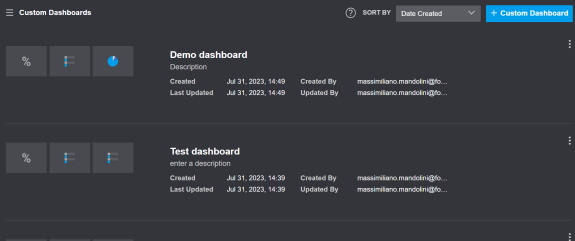
Once a custom dashboard is created, when viewing it you can click on specific data shown in a widget to drill immediately to the Asset data that populated it.
 minute read